On-device models are getting good enough to leave the cloud behind
A new wave of small models runs entirely on your laptop or phone — fast, private, and free of an API meter.
For years the assumption was that useful AI had to live in someone else’s data center. That assumption is quietly collapsing.
The latest generation of small models — a few billion parameters, quantized to run on consumer hardware — is now good enough for summarization, drafting, classification and code completion without ever touching a network.
Private by default. Running locally flips the privacy story. Nothing leaves the device, there is no per-request cost, and the model keeps working on a plane or in a basement.
The tradeoff is capability: the biggest frontier models still win on the hardest reasoning tasks. But for the long tail of everyday jobs, “good enough and on my machine” is starting to beat “excellent and metered.”
As we move deeper into 2026, the transition from heavy cloud dependencies to powerful on-device inference is reshaping how developers and everyday users interact with AI. Here is why the local AI revolution has finally arrived, and how you can take advantage of it today.
The “Small Giants” Powering the Shift
The reason you no longer need a massive data center to summarize a PDF or write a Python script comes down to a mathematical optimization technique called quantization. By compressing the precision of the model’s weights (dropping them from 16-bit to 8-bit or even 4-bit integers), developers have drastically shrunk the memory footprint of these models. This allows incredibly capable AI to fit entirely inside the RAM of a standard consumer laptop.
Several standout families of Small Language Models (SLMs) are currently dominating this space:
- Google Gemma 4: Google’s open-weight model family is built explicitly for on-device deployment. The Gemma 4 variants (4.5B and 12B) bring a unified architecture across text, image, and audio. The 12B variant can comfortably run on 16GB of VRAM and performs reasoning tasks that would have required a 70-billion parameter model just two years ago.
- Meta Llama 3.1 (8B): With a massive 128K context window, Meta’s highly efficient 8-billion parameter model provides an excellent balance between power and hardware efficiency. It remains the gold standard for running open-weights text generation, coding, and basic logic tasks locally.
- Qwen 3 & Mistral Nemo: Alibaba’s Qwen 3 (8B) and Mistral’s Nemo (12B) excel at multilingual tasks and complex natural language processing pipelines. They prove that you do not need massive infrastructure to build robust, real-time language translation or local agentic workflows.
Cloud vs. Local AI: Which Do You Need?
If you are a developer or a business trying to decide whether to pay for an API key or deploy a model locally, the decision usually comes down to the complexity of your task and your organization’s privacy requirements.
| Feature | Local AI (On-Device) | Cloud AI (API / Chatbots) |
|---|---|---|
| Data Privacy | 100% private; data never leaves the device. | Data is sent to external servers for processing. |
| Cost Structure | Free after initial hardware purchase. | Metered pay-per-token or monthly subscription. |
| Internet Req. | Fully offline capable (works anywhere). | Requires a continuous, stable web connection. |
| Max Capability | Optimized for daily workflows (3B–12B params). | Frontier reasoning and deep research (Trillion+ params). |
| Latency | Instantaneous token generation (no network lag). | Subject to network latency and server traffic spikes. |
The Takeaway: Rely on cloud AI when you need a model to design a complex software architecture from scratch. Use local AI to proofread emails, summarize meeting notes, parse private financial documents, and execute routine coding assistance.
The Hardware Making It Possible
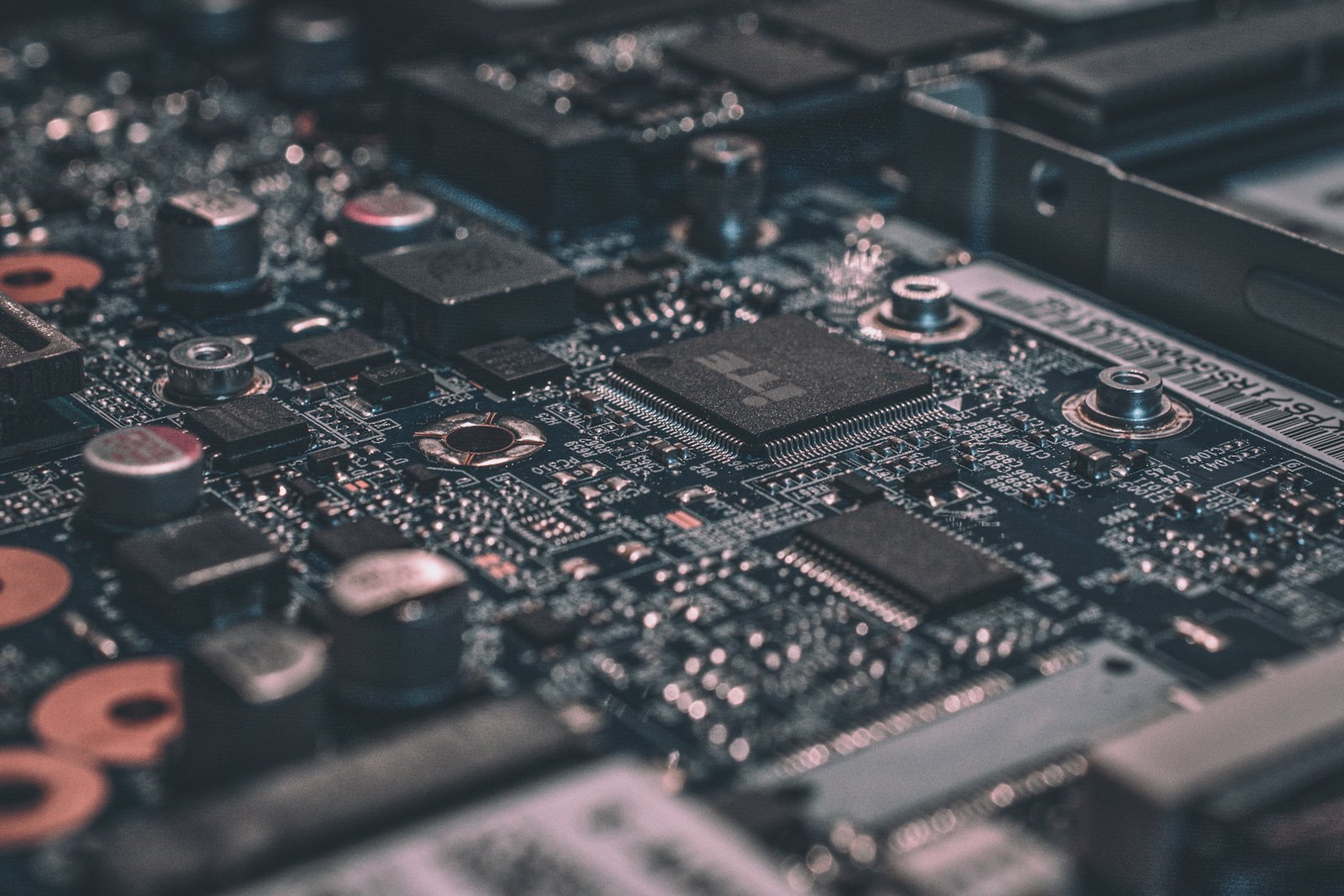
Software optimization is only half the story. The true enabler of the local AI boom is the rapid mainstream adoption of the NPU (Neural Processing Unit).
Unlike a general-purpose CPU, an NPU is dedicated silicon built specifically to handle the intense parallel matrix math required by neural networks. Running an AI model strictly on a CPU is incredibly inefficient — it drains battery life rapidly and generates massive heat. An NPU performs the exact same math at a fraction of the power consumption.
- Copilot+ PCs & Snapdragon: The latest generation of Windows laptops powered by Qualcomm’s Snapdragon platforms (alongside competing chips from AMD and Intel) now pack NPUs capable of over 40 to 50 TOPS (Trillions of Operations Per Second). This is the baseline required to run “always-on” AI tasks smoothly without sacrificing battery life.
- Apple’s M4 Silicon: Apple took a slightly different approach by relying heavily on massive unified memory bandwidth. With memory bandwidth reaching up to 546 GB/s on high-end M4 chips, modern MacBooks can load large neural networks instantly, allowing the GPU and Neural Engine to access all system RAM simultaneously.
Because of these hardware advancements, your laptop can now run a large language model without the cooling fans spinning up to sound like a jet engine.
Run an AI Model on Your Laptop Today
Getting started with local AI no longer requires navigating the command line or holding a computer science degree. You can turn your current machine into an isolated AI workstation in under five minutes.
Download a Local AI Wrapper (2 Minutes) Download a user-friendly desktop application like LM Studio or Ollama. These tools provide a clean, ChatGPT-like interface and automatically handle all the complex background infrastructure (like Python environments and model loading).
Choose and Download a Model (4GB–8GB Required) Inside the application’s built-in catalog, search for a lightweight, quantized model like Llama 3.1 8B or Gemma 4. Click download directly within the interface.
Start Chatting Offline Open a new chat session in the app, select your freshly downloaded model from the dropdown menu, and send a prompt. You can even disconnect your Wi-Fi to prove it is running entirely locally.
Frequently Asked Questions
Can I run a strong local AI model on a Mac?
Yes. Apple Silicon machines (from M1 up to M4) are widely considered some of the best consumer devices for local AI. Their unified memory architecture allows the GPU to access all of the system’s RAM, giving you significantly more memory overhead for AI tasks than standard Windows setups equipped with small, dedicated GPUs.
Is local AI completely free?
Yes. Open-weights models (like those released by Meta, Google, and Mistral) and the graphical tools used to run them (like Ollama and LM Studio) are free to download and use. There are no ongoing subscription fees or per-token API costs.
How much RAM does my laptop need to run AI?
For smaller models (up to 8 billion parameters), 8GB to 16GB of system RAM is sufficient for standard text generation. For mid-range models (like a 12B or 14B model), 16GB is the sweet spot. If you plan to run agentic workflows, multi-modal image generation, or deep coding tasks, 32GB or more is highly recommended.